· Priya Nair · Engineering · 12 min read
PCB Solder Paste Stencil Design
Optimize PCB solder paste stencil design with expert guidance on aperture sizing, stencil thickness, area ratio rules, and print quality for reliable SMT assembly.

Quick Answer
PCB solder paste stencil design controls print quality by defining aperture size, shape, and stencil thickness to achieve consistent paste deposits. The area ratio (aperture opening area divided by aperture wall area) must be ≥ 0.66 for standard processes and ≥ 0.5 for fine-pitch applications with nano-coated stencils. Stencil thickness typically ranges from 3 to 6 mil depending on the smallest component pitch, and step-up/step-down designs allow mixed-pitch assemblies on a single board.
The Critical Role of Stencil Design in SMT Assembly
Solder paste printing accounts for the majority of assembly defects in surface mount technology (SMT) production. Industry data consistently shows that 60–70% of all SMT defects trace back to the printing process — and the stencil is the single most influential variable in that process.
A well-designed stencil delivers the correct volume of solder paste to every pad on the board — from 01005 chip components with pad areas under 0.01 mm² to large power pads requiring cubic millimeters of paste. Getting this right across the full range of components on a modern PCB requires careful attention to aperture geometry, stencil thickness, and the physics of paste release.
This guide covers the engineering principles behind stencil design — the rules, calculations, and trade-offs that determine whether your [SMT assembly]/blog/pcba-assembly-process/) runs smoothly or generates costly rework.
Understanding Solder Paste Deposition Physics
The Print Cycle
During stencil printing, a squeegee pushes solder paste across the stencil surface, forcing it into the apertures. When the stencil separates from the PCB (the snap-off phase), the paste must release from the aperture walls and remain on the PCB pads.
The quality of this transfer depends on the balance of forces:
- Adhesion to the pad — paste sticks to the PCB copper/surface finish due to surface tension and wetting
- Adhesion to the aperture walls — paste sticks to the stencil walls due to the same surface tension and friction
- Cohesion within the paste — the paste’s internal strength resists being torn apart
For a successful print, adhesion to the pad must exceed adhesion to the aperture walls. This is the fundamental physics behind every stencil design rule.
Transfer Efficiency
Transfer efficiency is the percentage of paste volume that transfers from the aperture to the pad. Ideal transfer efficiency is 100%, but real-world values typically range from 50% to 95% depending on aperture geometry.
Factors that improve transfer efficiency:
- Larger aperture opening relative to wall surface area (higher area ratio)
- Smoother aperture walls (electropolished or nano-coated)
- Proper snap-off speed and distance
- Optimal paste rheology (viscosity and thixotropy)
- Good gasket seal between stencil and PCB
The design engineer controls the first two factors through stencil specification. The process engineer manages the rest at the printer.
Area Ratio: The Fundamental Design Rule
Calculating Area Ratio
The area ratio (AR) is the most important metric in stencil aperture design:
AR = Aperture Opening Area ÷ Aperture Wall Area
For a rectangular aperture:
AR = (L × W) ÷ (2 × (L + W) × T)
Where:
- L = aperture length
- W = aperture width
- T = stencil thickness
For a circular aperture:
AR = (π × r²) ÷ (2 × π × r × T) = r ÷ (2T) = D ÷ (4T)
Where:
- r = aperture radius
- D = aperture diameter
Area Ratio Thresholds
The industry-standard thresholds for reliable paste release:
- AR ≥ 0.66 — Standard laser-cut stainless steel stencils. This is the IPC-7525 recommendation and works reliably for most processes.
- AR ≥ 0.60 — Achievable with electropolished aperture walls.
- AR ≥ 0.50 — Achievable with electroformed (nickel) stencils or nano-coated stencils. Required for the most challenging fine-pitch applications.
When your calculated area ratio falls below the applicable threshold, you have three options:
- Reduce stencil thickness (reduces wall area)
- Enlarge the aperture (increases opening area) — limited by pad size and spacing
- Upgrade stencil technology (electroformed or nano-coated)
Practical Example: 0.5 mm Pitch QFP
Consider a 0.5 mm pitch QFP with pad dimensions of 0.30 × 1.50 mm:
For a 5-mil (0.127 mm) thick stencil with 1:1 aperture (same size as pad):
AR = (0.30 × 1.50) ÷ (2 × (0.30 + 1.50) × 0.127)
AR = 0.45 ÷ 0.457 = 0.985
This easily exceeds the 0.66 threshold — no issues.
Now consider the same pad with a 6-mil (0.152 mm) stencil:
AR = 0.45 ÷ (2 × 1.80 × 0.152) = 0.45 ÷ 0.547 = 0.822
Still fine. But if we reduce the aperture width to 0.25 mm (a common practice to prevent bridging):
AR = (0.25 × 1.50) ÷ (2 × (0.25 + 1.50) × 0.152) = 0.375 ÷ 0.532 = 0.705
Marginal at 6 mil — workable with a laser-cut stencil but leaving little margin. Dropping to 5 mil thickness gives AR = 0.844, comfortably above threshold.
Stencil Thickness Selection
Matching Thickness to Component Pitch
Stencil thickness is the primary control for paste volume. The general guidelines:
| Component Pitch | Recommended Stencil Thickness |
|---|---|
| ≥ 0.65 mm (standard) | 5–6 mil (0.127–0.152 mm) |
| 0.50 mm | 4–5 mil (0.100–0.127 mm) |
| 0.40 mm | 3–4 mil (0.076–0.100 mm) |
| 0.30 mm (ultra-fine) | 2–3 mil (0.050–0.076 mm) |
| 01005 / 008004 | 2 mil (0.050 mm) or less |
The challenge arises when a single PCB contains both fine-pitch and large-pad components. A stencil thin enough for 0.40 mm pitch ICs will not deposit enough paste for large QFN thermal pads or through-hole-reflow connectors.
Step-Up and Step-Down Stencils
Step stencils solve the mixed-pitch problem by varying the stencil thickness across different board regions:
- Step-down — localized thinning in fine-pitch areas (most common approach)
- Step-up — localized thickening where more paste is needed (for large thermal pads)
Design rules for step stencils:
- Minimum step area: 10 × 10 mm to allow proper milling
- Step transition distance: At least 3 mm from the step edge to the nearest aperture
- Step height increment: Typically 1–2 mil per step. Steps greater than 2 mil risk squeegee damage and uneven printing.
- Maximum number of steps: 2–3 on a single stencil for practical manufacturing
A common configuration for a board with 0.4 mm pitch BGA and large QFN thermal pads: 4-mil base thickness with a 1-mil step-up to 5 mil at the QFN thermal pad areas.
For designs with challenging pad geometries, coordinate your stencil design with [SMT pad design]/blog/pcb-smt-pad-design-fine-pitch/) to ensure adequate paste volume on all critical pads.
Aperture Shape and Size Optimization
Aperture Reduction for Fine-Pitch Components
For fine-pitch components (≤ 0.50 mm pitch), apertures are typically reduced from the pad size to prevent bridging:
- Width reduction: 10–20% narrower than the pad width
- Length reduction: 0–10% shorter than the pad length (less critical)
Example: For a 0.50 mm pitch QFP pad of 0.30 × 1.50 mm:
- Aperture width: 0.25 mm (17% reduction)
- Aperture length: 1.40 mm (7% reduction)
This reduces the total paste volume by approximately 22% but significantly reduces the risk of bridging between adjacent pads.
Aperture Shapes for Specific Components
Different component types benefit from different aperture shapes:
BGA apertures:
- Use round apertures sized to the BGA pad
- For standard-pitch BGAs (≥ 0.8 mm), use apertures at 100% of pad diameter
- For fine-pitch BGAs (0.4–0.5 mm), reduce to 80–90% of pad diameter
- The round shape maximizes area ratio for a given pad size
- For [BGA soldering]/blog/bga-soldering-rework/) reliability, consistent paste volume across the array is critical
QFN thermal pad apertures:
- Never use a single large aperture matching the thermal pad — this creates voids during reflow
- Divide the thermal pad area into a grid of smaller apertures (window-pane pattern)
- Target 50–75% paste coverage of the total thermal pad area
- Individual aperture dimensions: 1.0–1.5 mm squares with 0.3–0.5 mm web between them
Passive chip component apertures (0402, 0201, 01005):
- Rectangular apertures with home-plate or rounded corners for better paste release
- Width: 100% of pad width for 0402 and larger, 90% for 0201
- Length: 80–100% of pad length
- For [tombstoning prevention]/blog/pcb-tombstoning-prevention-smt/), ensure matched paste deposits on both pads
Corner Modifications
Aperture corners affect paste release and deposit shape:
- Square corners — standard for most apertures, easiest to manufacture
- Rounded corners — improve paste release by 5–10% due to reduced wall contact area. Recommended for apertures near the area ratio limit.
- Home-plate shape — trapezoidal modification for passive components that directs paste toward the center of the pad, reducing tombstoning risk
Stencil Manufacturing Methods
Laser Cutting
Laser-cut stencils are the industry standard for most applications:
- Material: 300-series stainless steel (typically 304 or 316)
- Cutting accuracy: ±0.5 mil (±12.7 µm)
- Minimum aperture size: 6 mil (0.152 mm) — practical minimum varies with thickness
- Wall quality: Moderate — laser cutting creates a slight taper and recast layer on the aperture walls
- Post-processing: Electropolishing removes the recast layer and smooths walls, improving paste release by 10–15%
For most PCB assemblies with components at 0.40 mm pitch and above, laser-cut stencils with electropolishing deliver reliable results at a reasonable cost.
Electroforming
Electroformed stencils are manufactured by electroplating nickel onto a patterned mandrel:
- Material: Nickel alloy
- Aperture accuracy: ±0.25 mil (±6 µm) — approximately 2× better than laser cutting
- Wall quality: Naturally smooth, trapezoidal profile (wider at bottom) — ideal for paste release
- Minimum aperture size: 4 mil (0.100 mm)
- Cost: 2–3× more than laser-cut stencils
Electroformed stencils are justified for:
- Ultra-fine-pitch components (≤ 0.30 mm pitch)
- Assemblies where paste release at area ratios of 0.50–0.60 is required
- High-volume production where the stencil cost is amortized across millions of prints
Nano-Coating
Nano-coatings applied to laser-cut stencils create a hydrophobic surface that reduces paste adhesion to aperture walls:
- Paste release improvement: 15–25% compared to uncoated stencils
- Effective area ratio threshold: Reduces from 0.66 to approximately 0.50
- Durability: 50,000–100,000 prints depending on paste type and cleaning frequency
- Cost: 30–50% premium over standard laser-cut stencils
Nano-coated stencils offer a cost-effective middle ground between standard laser-cut and electroformed stencils for fine-pitch applications.
Print Quality Optimization
Common Print Defects and Stencil-Related Causes
| Defect | Stencil-Related Cause | Solution |
|---|---|---|
| Bridging | Apertures too large or too close | Reduce aperture width, increase spacing |
| Insufficient paste | Stencil too thin or AR too low | Increase thickness or improve wall quality |
| Inconsistent volume | Poor gasket seal or warped stencil | Check stencil flatness, tension |
| Scooping/dog-ears | Squeegee pressure too high | Adjust process; verify stencil flatness |
| Smearing | Paste on stencil underside | Improve gasket seal, add wipe frequency |
Gasket Seal Quality
The gasket seal between the stencil and PCB surface determines whether paste leaks between the stencil underside and the board, causing smearing and inconsistent deposits.
Factors affecting gasket seal:
- Board flatness — warped boards create gaps. Vacuum support in the printer helps but cannot compensate for extreme warpage.
- Stencil tension — insufficient tension allows the stencil to deflect, breaking the seal during printing.
- Component keepout — previously placed components (in double-sided assembly) can interfere with the seal. Use step-up relief areas to clear these components.
- Solder mask — solder mask thickness (typically 0.5–1.0 mil) creates a step at pad boundaries. For fine-pitch pads, this step can compromise the seal. Review your [solder mask design]/blog/pcb-solder-mask-guide/) for compatibility with stencil printing.
Fiducial and Alignment Considerations
Stencil alignment to the PCB relies on fiducial marks:
- Global fiducials: At least 2 (preferably 3) on diagonal corners of the board
- Local fiducials: Adjacent to fine-pitch components for localized alignment correction
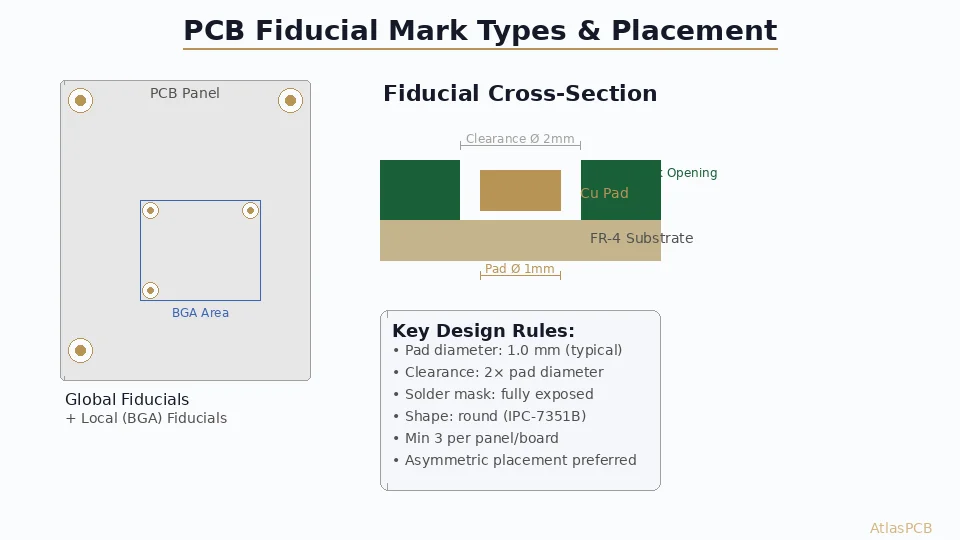
- Fiducial design: 1.0 mm diameter circle on copper with 2.0 mm solder mask clearance. Avoid placing fiducials near board edges or in areas with copper pour.
- Stencil apertures at fiducials: None — fiducial locations should be solid stencil with no apertures within 3 mm
Design for Manufacturing: Stencil Considerations
Coordinating Stencil Design with PCB Layout
Stencil design does not happen in isolation. The PCB layout engineer must consider stencil printability during pad design:
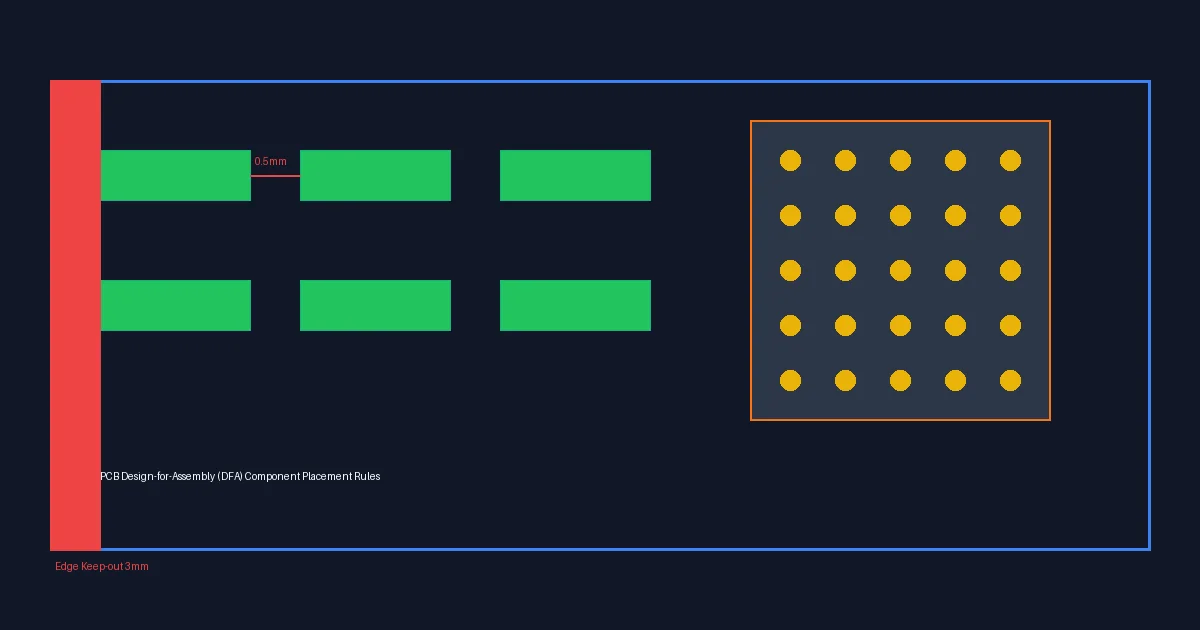
- Pad-to-pad spacing must accommodate aperture walls plus minimum web width (typically ≥ 3 mil between aperture edges for laser-cut stencils)
- Thermal pad partitioning should be defined in the PCB library, not left to the stencil designer
- Via-in-pad locations affect stencil aperture design — [vias in pads]/blog/pcb-via-in-pad-plated-over-design/) must be plated and filled before printing to prevent paste wicking into the via
- Board panelization affects stencil size, tension, and alignment capability
Include stencil aperture data in your [DFM checklist]/blog/pcb-dfm-checklist/) when submitting designs for assembly quotes.
Gerber Data for Stencil Generation
Provide your stencil manufacturer with:
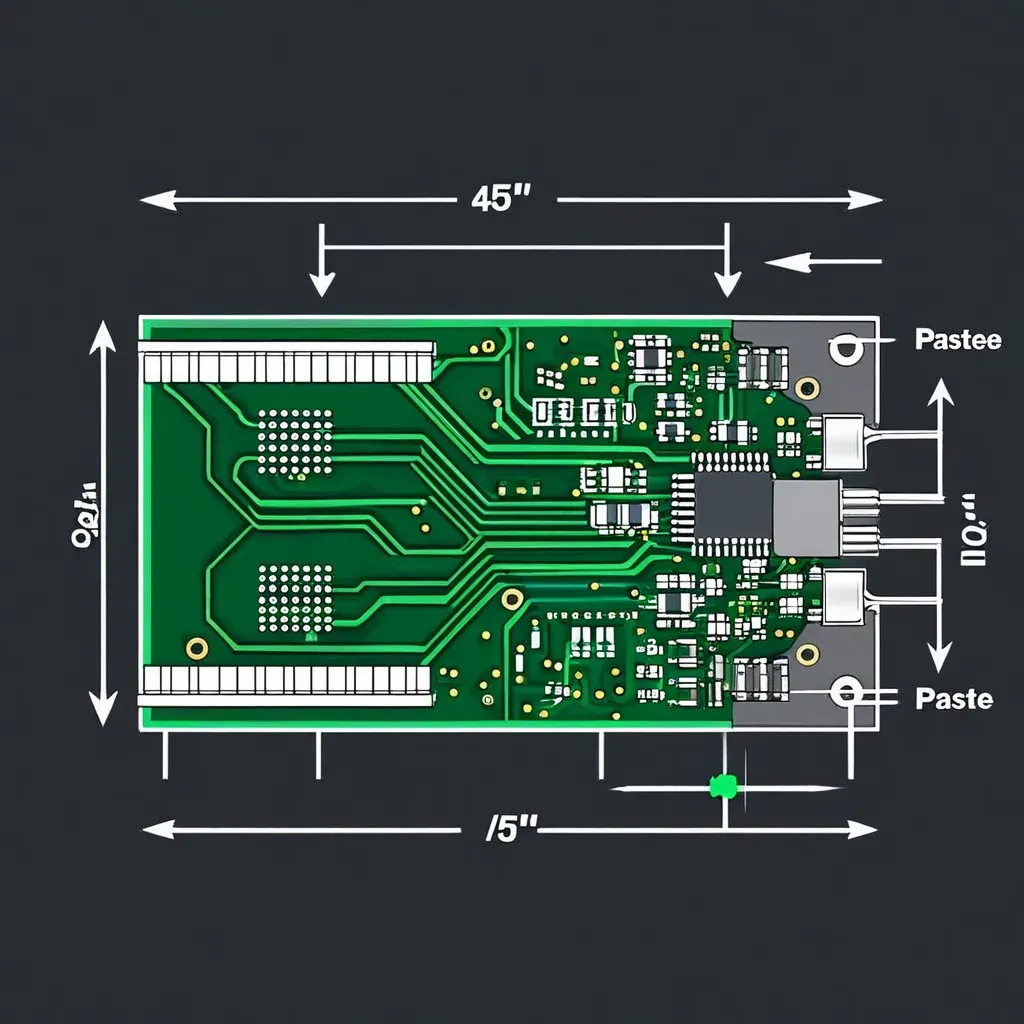
- Paste layer Gerbers (top and/or bottom) — these define the aperture locations and initial sizes
- Assembly drawings showing component placement and orientation
- Component datasheets for any non-standard or custom components
- Specific aperture modifications — document any reductions, shape changes, or special requirements in a stencil design specification
Many assemblers modify the paste layer Gerbers based on their process experience. Provide the base design and allow the assembler to optimize — but require approval before production.
Advanced Stencil Techniques
Multi-Level Step Stencils
For complex assemblies with three or more distinct pad size categories, multi-level step stencils can be manufactured:
- Level 1 (thinnest): Fine-pitch ICs — 3 mil
- Level 2 (base): Standard components — 4 mil
- Level 3 (step-up): Large thermal pads and connectors — 5 mil
The practical challenges increase with each additional level — alignment tolerance accumulates, and the step transitions consume board area. Coordinate these designs closely with your stencil supplier.
Paste-in-Hole (Pin-in-Paste) Stencil Design
Paste-in-hole technology uses the stencil printing process to fill through-hole component holes with solder paste, eliminating a separate wave soldering step. The stencil design for paste-in-hole requires:
- Overprint apertures: 20–40% larger than the through-hole pad to deposit extra paste that fills the hole during reflow
- Increased stencil thickness: Step-up areas to 8–10 mil at paste-in-hole locations
- Paste volume calculation: The aperture must deposit enough paste to fill the hole volume plus form an acceptable fillet after reflow
This technique works well for connectors and through-hole power components on boards that are otherwise all-SMT assembly.
Squeegee Type Selection
While not strictly a stencil design parameter, squeegee selection interacts with aperture design:
- Metal squeegees — provide consistent pressure and are preferred for fine-pitch printing. Use 60° attack angle.
- Polyurethane squeegees — conform to board topography better but wear faster and may scoop paste from large apertures. Use for less critical applications.
Match squeegee pressure to stencil thickness: approximately 0.3–0.5 kg per 25 mm of squeegee length for fine-pitch printing.
Inspection and Process Validation
Solder Paste Inspection (SPI)
After printing, 3D solder paste inspection measures the actual paste deposit on every pad:
- Volume: Target ±25% of nominal for most components, ±15% for fine-pitch
- Height: Should be 80–120% of stencil thickness
- Area coverage: ≥ 70% of the aperture area should have paste present
- Bridging detection: Flag any paste extending beyond the pad boundary toward adjacent pads
SPI data provides direct feedback on stencil performance and should be used to drive aperture optimization over time.
First Article Validation
For a new stencil design, validate with a first article run:
- Print a minimum of 5 boards consecutively
- Measure paste deposits on all critical pads via SPI
- Verify that all area ratios above threshold produce acceptable transfer efficiency
- Check gasket seal quality — no smearing on stencil underside
- Confirm that aperture reductions prevent bridging without starving joints of paste
Document the validation results and store with the stencil specification for future reference.
Conclusion
Stencil design is where PCB assembly quality is won or lost. The area ratio rule provides the mathematical foundation, but real-world optimization requires balancing paste volume, bridging risk, and manufacturing capability across every pad on the board.
The key takeaways:
- Start with the area ratio — calculate it for your most challenging pads and work outward
- Match stencil thickness to the finest pitch — then use steps for larger pads
- Invest in wall quality — electropolishing or nano-coating pays for itself in reduced defects
- Coordinate with your assembler — stencil design is a collaborative process between design and manufacturing engineering
Ready to optimize your assembly process?
Upload your Gerbers for a free engineering review — our assembly engineers will evaluate your pad designs, recommend stencil configurations, and ensure your board is ready for high-yield SMT production. Get a quote today →
About AtlasPCB — We specialize in complex PCB manufacturing for HDI, RF, and high-reliability applications. Explore our PCB assembly services . Every order includes free engineering review. Get your quote.
Reviewed by AtlasPCB Engineering Team — IPC-certified manufacturing specialists with 15+ years of production experience in HDI, RF, and high-reliability PCB fabrication. Content based on factory floor data and real customer design reviews.
Frequently Asked Questions
What is the area ratio rule for solder paste stencils?
How do you choose stencil thickness for mixed-pitch PCB assemblies?
What causes solder paste bridging and how does stencil design prevent it?
- solder-paste
- stencil
- smt-assembly
- aperture-design
- print-quality